What the app is actually showing you
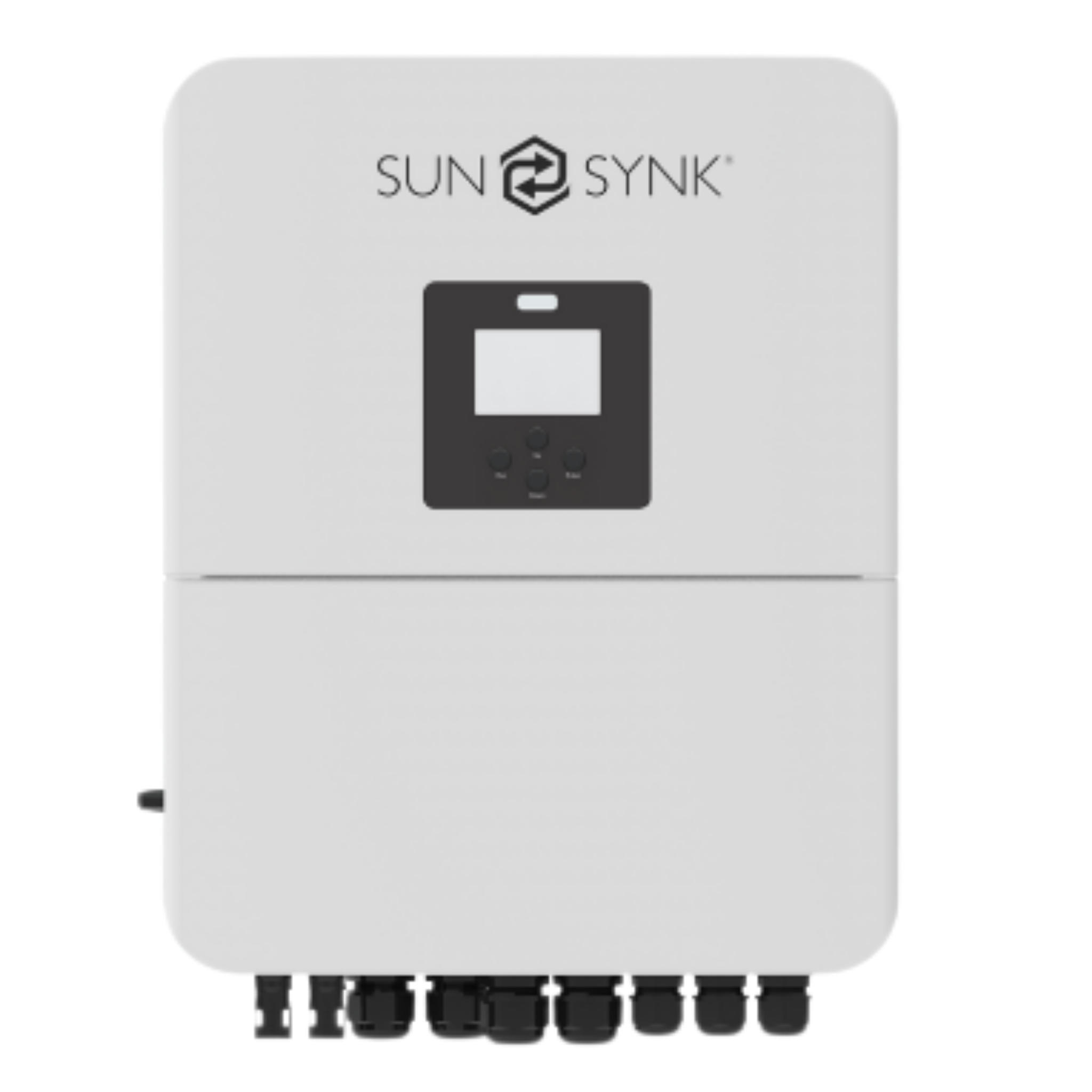
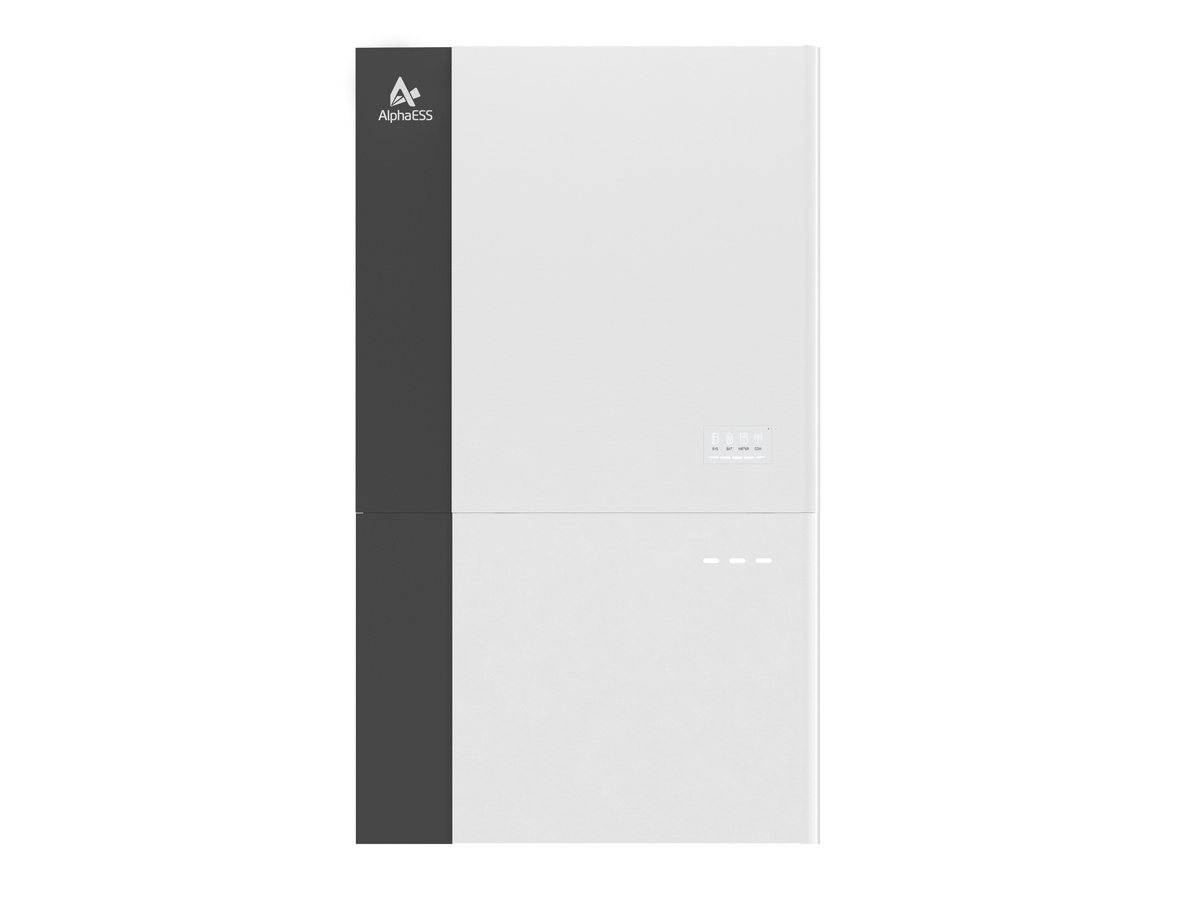
Most quality inverters come with a monitoring app. Sunsynk, Solis, AlphaESS and the rest all differ in layout, but they track the same handful of things. Once you understand these, any app makes sense.
The heart of the display is an energy-flow diagram, a little live map showing power moving between four points.
- Solar production. How much your panels are generating right now, and totalled over the day. This is the number that peaks around midday and fades to nothing after sunset.
- Home consumption. How much your household is drawing at this moment. Watch it jump when someone switches on a heavy appliance and settle when they turn it off.
- Battery state of charge. The percentage full, plus whether it's charging or discharging. You'll watch it climb through the sunny hours and drain through the evening.
- Grid flow. Whether you're pulling power from Eskom, pushing surplus back (if you're set up to), or sitting at zero and running entirely off your own system.
The point is watching how these connect. On a good day you'll see the panels feeding the house, charging the battery, and the grid line sitting at zero: a home running on sunshine. That live diagram is the best way to build an instinct for how your system behaves.
The habits that actually save you money
Watching the pretty animation is fun, but the app earns its keep when you use it to change behaviour. A few habits make a real difference to your bill:
Run heavy loads while the sun is up
Your app makes it obvious that solar power is essentially free during the day and comparatively expensive after dark, when you're drawing from a battery you'll want to preserve. Once you can see that, it becomes natural to shift the dishwasher, washing machine, pool pump and any heavy daytime task into the midday window when the panels are producing surplus. You're using power that would otherwise go to waste and sparing your battery for the evening. The app is what makes this concrete rather than abstract.
Watch your evening battery curve
Check where your battery lands each night before the sun comes back. If it's still comfortably charged by morning, you've got headroom. If it's routinely scraping the bottom, that's useful information — maybe you're running too much overnight, or maybe your usage has grown and it's worth a conversation about capacity. Either way, you're managing from data instead of guessing.
Not sure which system you need?
Get a free, no-obligation quote sized to your home, usage and budget. It only takes a minute.
Get your free quote →Trends matter more than any single moment
The beginner mistake is staring at the live screen. The real value is in the history — the daily, weekly and monthly production graphs almost every app keeps.
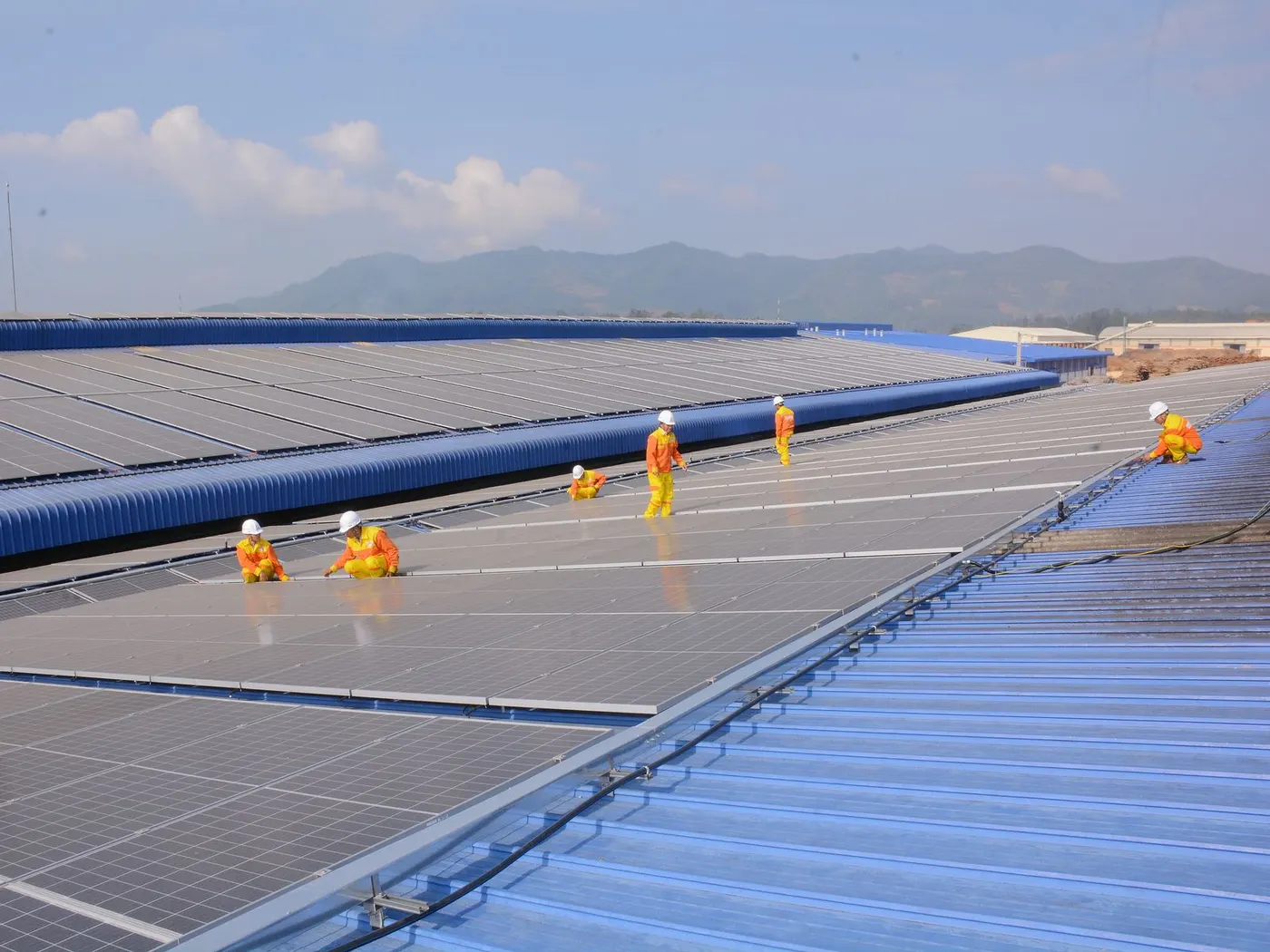
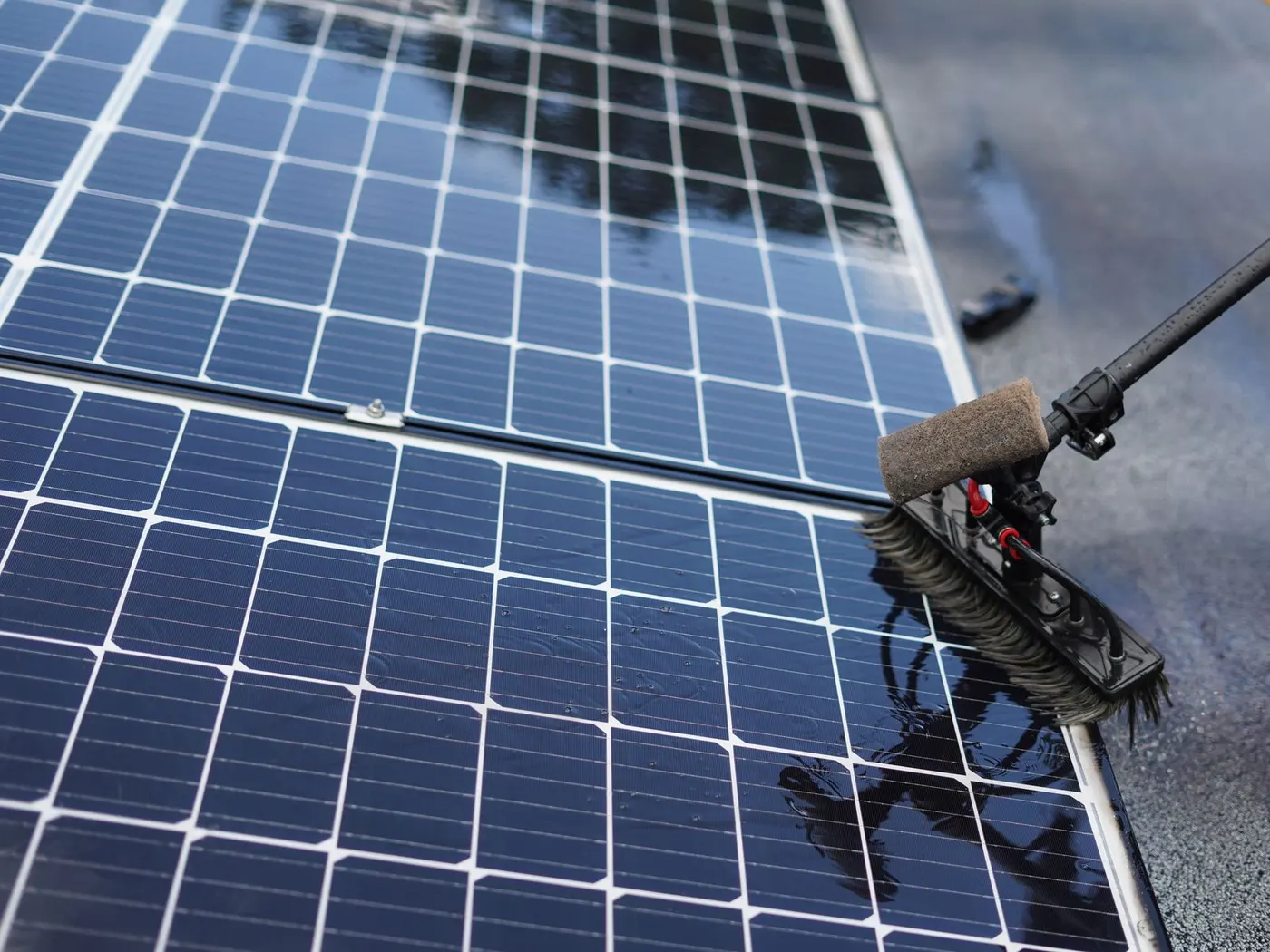
A single cloudy afternoon of low production means nothing. A trend tells a story. If your daily production is quietly sliding week after week on clear days, something is changing: panels getting dirty, a new tree or structure throwing afternoon shade, or a fault developing. None of that is visible in a single day's numbers. It only emerges when you glance at the trend line now and then. Checking your monthly production against previous months is the easiest way to confirm your system is still delivering what it should.
This is also how you verify you got what you paid for. A system was sized to produce roughly a certain amount for your home; the app's long-run figures are your proof that it's living up to the promise.
Your early-warning system
Here's what makes monitoring genuinely valuable rather than merely interesting: it's usually where a problem shows up first.
Solar systems are reliable, but components can develop faults. A panel string drops offline, a battery stops charging fully, an inverter throws intermittent errors. Left unnoticed, these eventually announce themselves the worst way possible, with your power failing during load-shedding when you're relying on it. Caught early in the app, the same fault becomes a calm, scheduled service call.
The warning signs are subtle but readable: production noticeably lower than usual on a clear day, a battery that no longer reaches full charge, error codes or alerts in the app, or one panel string producing far less than its neighbours. Reputable installers can often monitor your system remotely and flag issues too, but as the owner, a periodic glance at your own app is your first line of defence. If something looks off, that's the moment to call your installer, not weeks later when it fails.
Making it part of your routine
You don't need to check the app hourly. The honeymoon obsession fades and that's fine. A sensible rhythm is a quick daily glance in the first few weeks to learn your system's normal behaviour, then a periodic check afterward: confirm the battery is behaving, glance at the month's production against last month, and note any alerts. That light-touch habit is all it takes to keep a system running at its best and to catch trouble while it's still small.
A system worth monitoring is one that was properly sized and installed in the first place, with quality kit and an app that actually tells you something useful. Alumo's systems, built around inverters like Sunsynk with proper monitoring, give you that visibility from day one, plus the installer support to act on what you see.
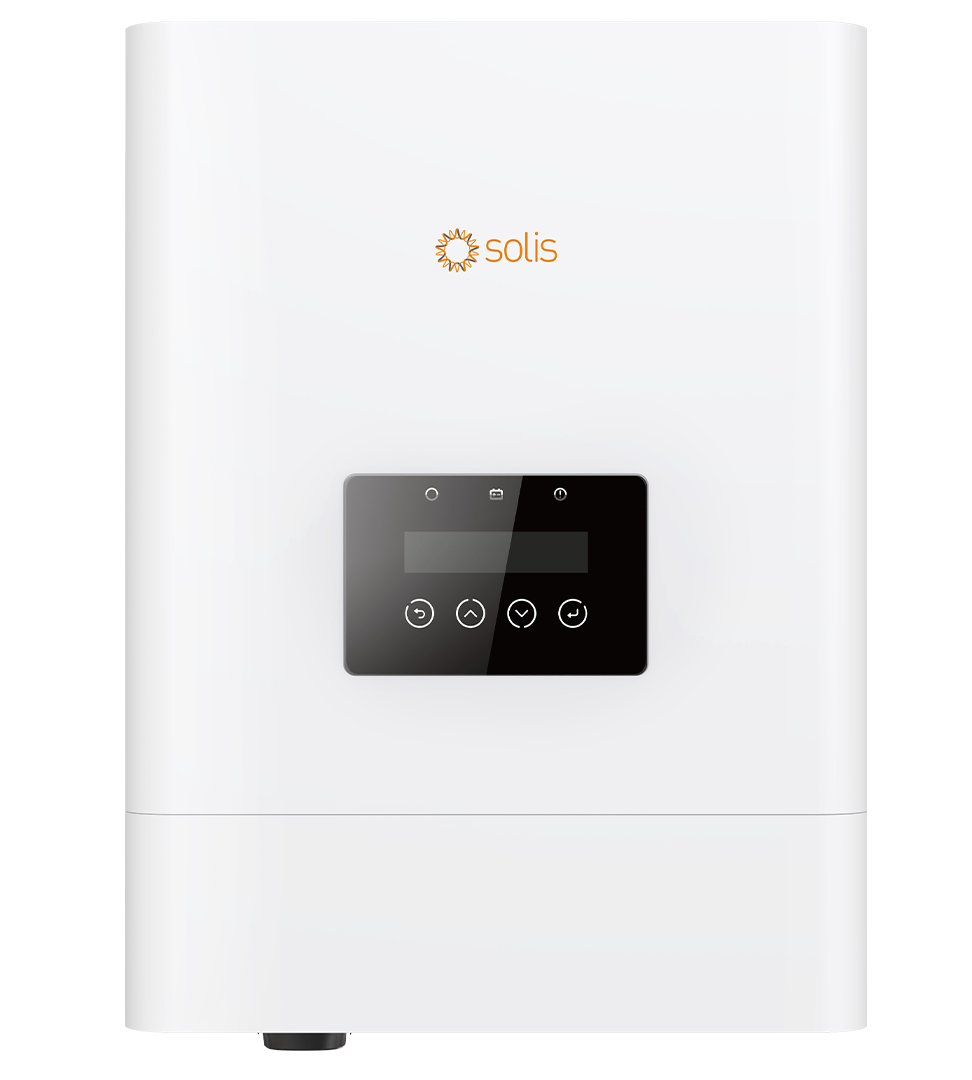
R1,418/mo · 3, 5 or 7 years
- • Solis 5kW inverter
- • Eenovance 5.32kWh battery · Runtime depends on connected appliances
- • 3 × 615W panels
Get a free quote →The bottom line
Your monitoring app is the difference between owning a solar system and understanding one. It shows you sunshine turning into stored power that runs your home, it teaches you to shift your habits and save, and it surfaces problems long before they'd ever leave you in the dark. Spend a little time learning to read it and you'll get more value and more peace of mind out of the same hardware.
If you're weighing up going solar and want a system with monitoring you'll actually use, get a free Alumo quote → and a specialist will size and install one built to be watched and understood.
Frequently asked questions
What does a solar monitoring app show me?
It shows four core things in a live energy-flow diagram: how much your panels are producing, how much your home is consuming, your battery's charge level and whether it's charging or discharging, and your grid flow — whether you're importing from Eskom, exporting surplus, or running entirely off your own system. It also keeps daily, weekly and monthly history.
How do I use my solar app to save money?
The key habit is running heavy loads (dishwasher, washing machine, pool pump) during the day when the app shows your panels producing surplus, since that power is essentially free and spares your battery for the evening. Watching where your battery lands each night also tells you whether you have headroom or are running tight.
Can my app tell me if something is wrong with my system?
Often yes, before anything else does. Production that's noticeably low on a clear day, a battery that no longer charges fully, error codes, or one panel string underperforming are all early warnings that show up in the app. Catching them there turns a potential outage into a scheduled service call — so call your installer if something looks off.
How often should I check my solar monitoring app?
Check it daily for the first few weeks to learn your system's normal rhythm, then just periodically — glance at the battery behaviour, compare the month's production to previous months, and note any alerts. That light routine is enough to keep the system performing and to catch developing problems while they're still small.
Is SolarGuide the installer?
No. SolarGuide is an independent referral partner. Alumo supplies, installs, finances and warrants the systems, while we help you compare options and get a free quote. All pricing is indicative and subject to a site assessment and credit approval.
SolarGuide is an independent referral partner. We help you compare options and arrange a free quote — Alumo supplies, installs, finances and warrants the systems. Pricing is indicative, sourced from Alumo’s published catalogue, and subject to a site assessment and credit approval.