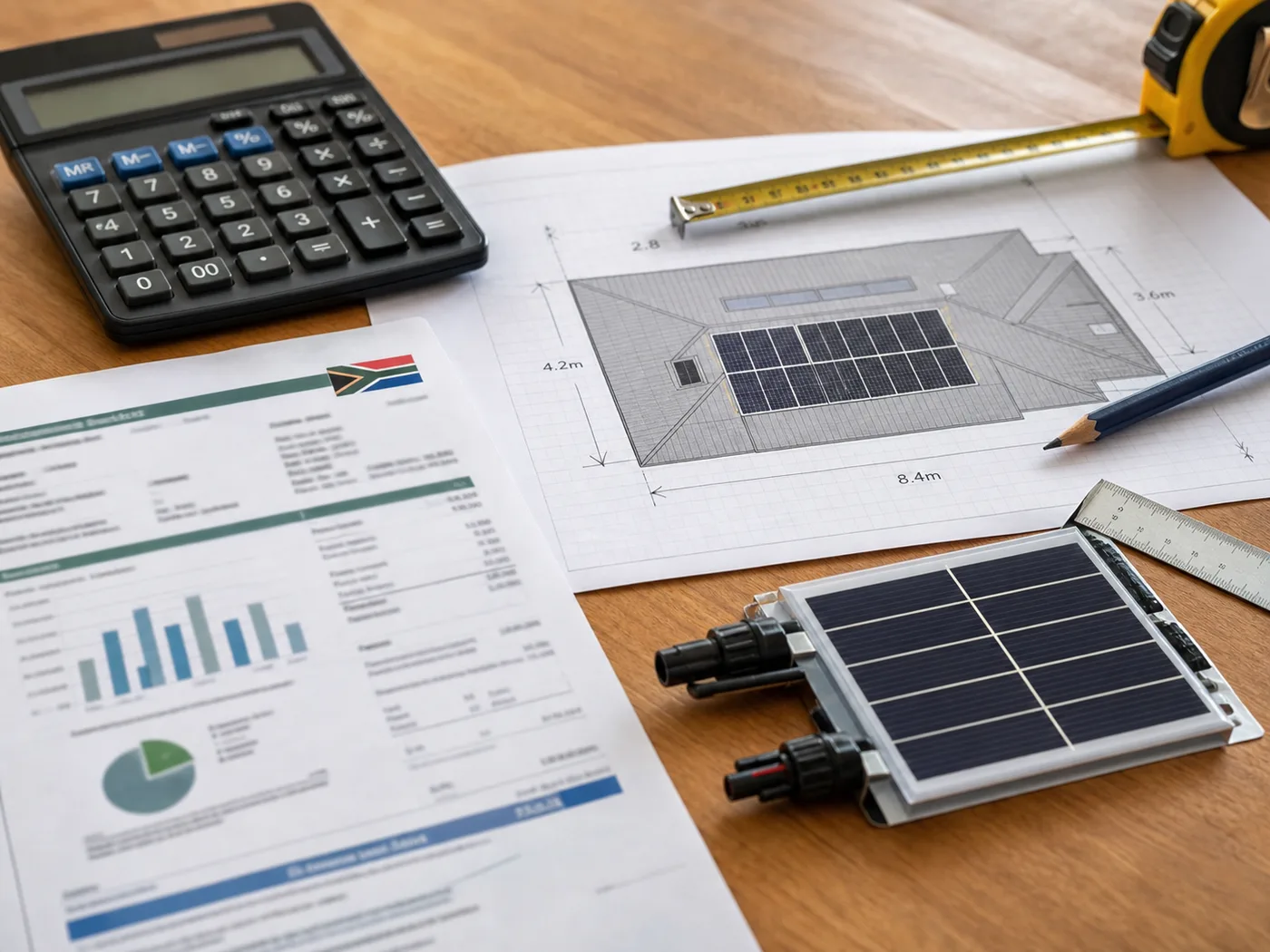
Use the calculator for an indicative starting point, then confirm the system against your roof, phase type, appliance loads and preferred backup level.
Working from home in South Africa comes with a uniquely local hazard: the moment load-shedding hits, your office switches off. The laptop's fine on its battery, but the Wi-Fi dies, the video call drops mid-sentence, and you're hotspotting off a phone with one bar, apologising to a client while the aircon-less room heats up around you. For anyone whose income depends on being online, that's a direct threat to the work.
The frustrating part is how little power it actually takes to fix. A home office isn't a factory. Your desk, your connectivity and your screens sip electricity compared to the kettle in the next room. Keeping your workday running through outages is one of the most affordable, highest-return uses of a solar-and-battery system there is. You're protecting your livelihood for a fraction of what a whole-house solution costs.
Key takeaways
A full home office — laptop, monitor, Wi-Fi, phone charger, desk lamp — typically draws under 300W, well within an entry-level system.
Your fibre line only works if the ONT and router have power, so backing up connectivity matters as much as backing up your laptop.
Silent, instant switchover is the real prize: no generator noise on calls and no dropped meetings.
Solar does more than carry you through outages. It also cuts the electricity cost of running an office all day, every day.
Why a home office is cheap to keep online
Add up a typical remote setup and the numbers are reassuring. A laptop draws 40–90W. A second monitor adds maybe 30–60W. Your Wi-Fi router and fibre ONT together sip around 10–20W. Throw in a phone charger, a desk lamp and perhaps a small speaker, and the whole workstation still lands comfortably under 300W of continuous draw.
That's less than a sixth of what a single kettle pulls. In battery terms, a modest home system could run that office for the better part of a working day on stored energy alone, and if the sun's up, your panels top the battery back up while you work. Set against the cost of lost billable hours or a blown deadline, the maths tips over almost immediately for anyone who earns from home.
300Full home office (continuous)
2000 | unit=W | caption=Your whole desk draws a fraction of a single kettleOne kettle
Don't forget the fibre line
Here's the mistake people make: they back up the laptop and forget the internet. Your fibre connection runs through an ONT (the little box where the fibre enters your home) and your router — and both need mains power. When load-shedding hits, they go dark and your connection dies even though your laptop is happily running on its own battery. Backing up those two low-draw devices is what actually keeps you online, and it costs almost nothing in power terms. We cover this in detail in our guide to keeping Wi-Fi, gates and security running through load-shedding.
The professional edge: silent, seamless switchover
A petrol generator will technically keep you working, but anyone who's tried it knows the reality — the roar in the background of every call, the trip outside to refuel, the fumes, and the awkward gap while you start it up. It reads as exactly what it is: someone scrambling.
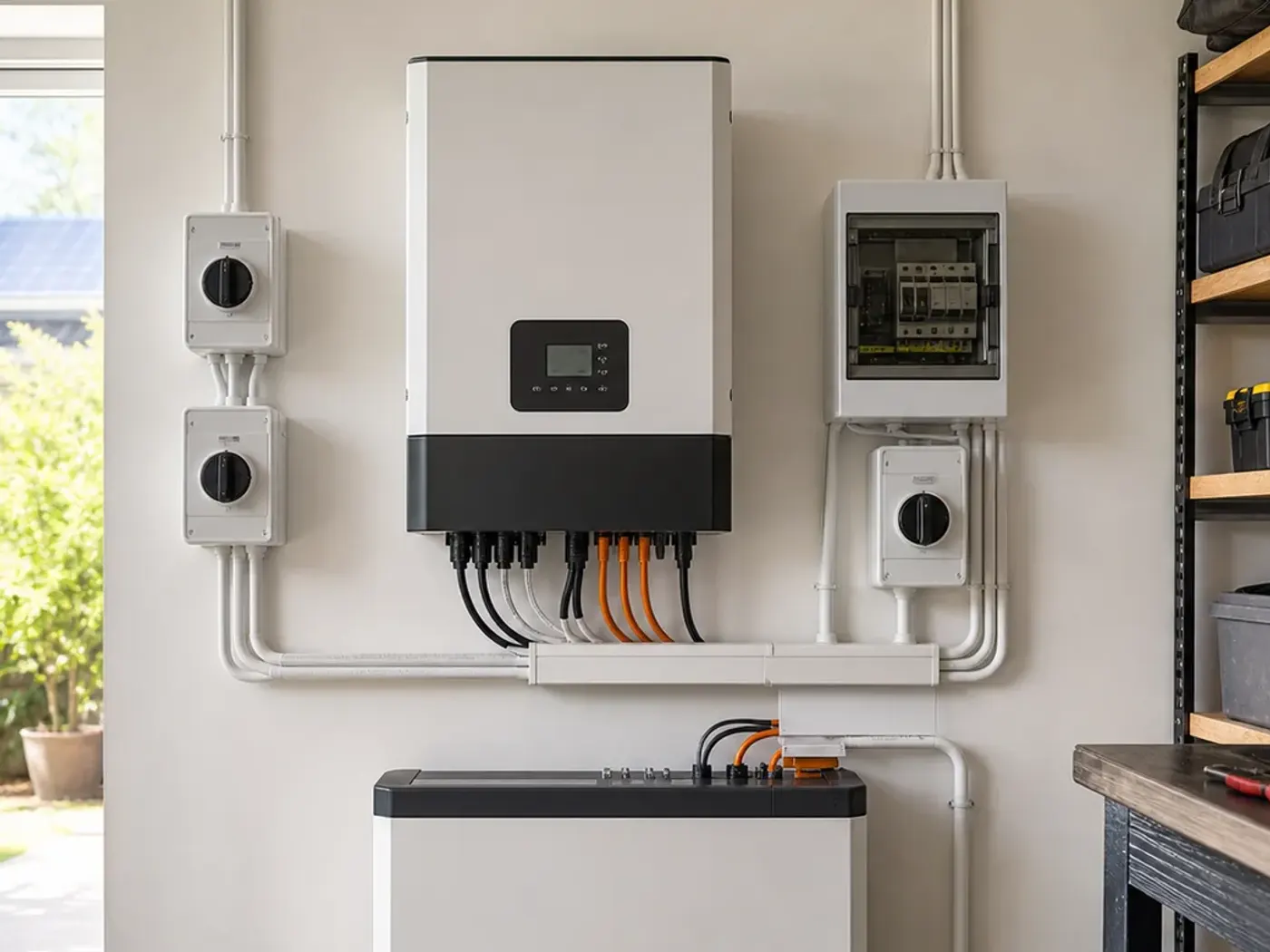
A solar-and-battery system switches over in milliseconds, silently. Your call doesn't even flicker. Clients and colleagues never know the grid just dropped. For freelancers, consultants and remote employees whose professionalism is part of the product, that smooth handover is worth real money. You show up reliable, every time, while half the country is rebooting routers.
Not sure which system you need?
Get a free, no-obligation quote sized to your home, usage and budget. It only takes a minute.
The right size depends on what "working from home" means for you. Two questions decide it: can the inverter carry your peak load, and does the battery hold enough to cover the longest stretch you'll face without sun?
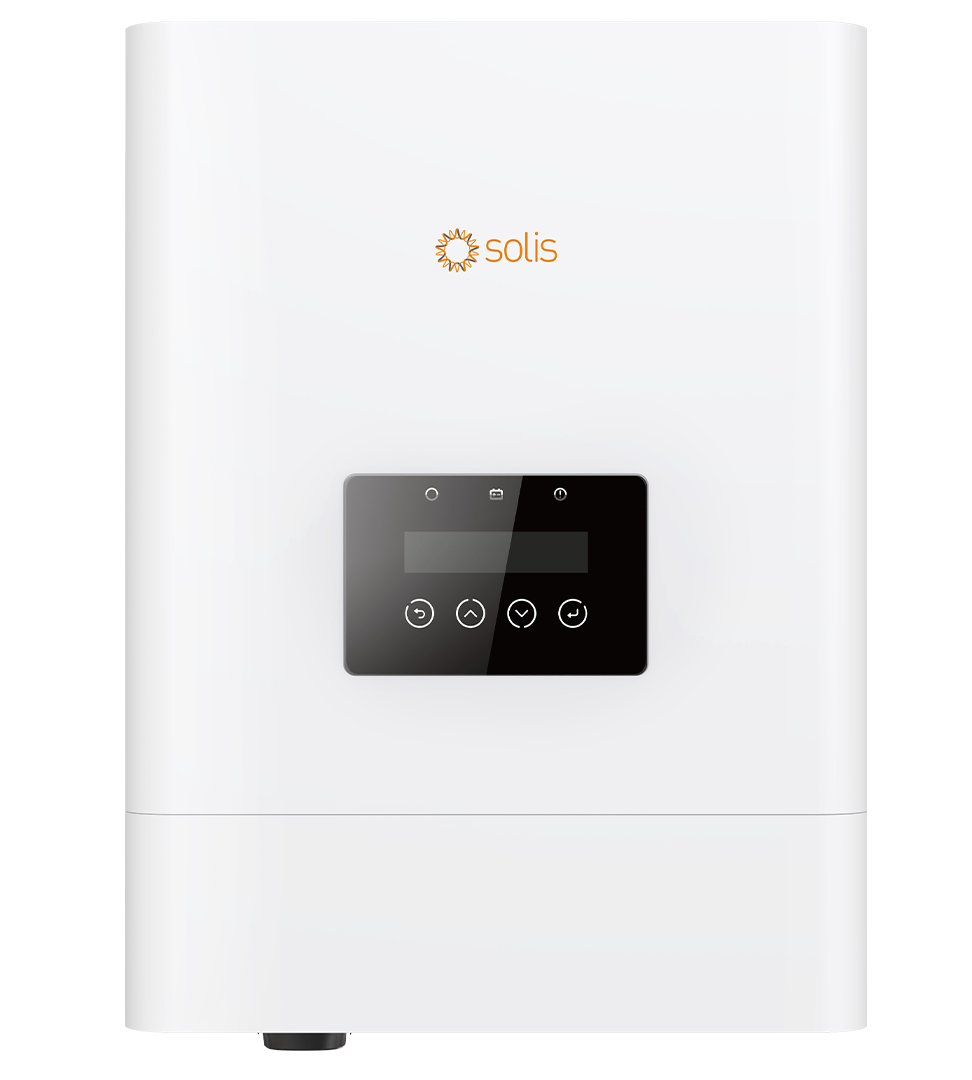
Alumo's current solar-plus-battery rent-to-own range uses a Solis 5kW inverter and Eenovance 5.32kWh battery: Watt-a-Deal has three 615W panels from R1,418/month, The Big Watt has four from R1,487/month, and The Power Bae has six from R1,626/month on a seven-year term. Three- and five-year prices, solar-only configurations and battery-only pricing are available on our current package comparison.
But most home workers don't work in isolation. If your day also includes a fridge cycling, someone else studying or gaming in another room, an occasional coffee machine, and you want to sail through back-to-back Stage 6 slots without watching the battery, stepping up makes sense. The Power Bae pairs the same 5kW inverter and 5.32kWh battery with six panels instead of three. It gives a busy household with one or more people working from home genuine all-day breathing room.
The point is to size around your real workday, not a worst-case fantasy. A short load assessment turns "I think I need something big" into a system matched to what your desk and your home actually draw.
More than outage insurance
There's a second payoff that's easy to miss. When you work from home, you're consuming electricity all day — screens, connectivity, lights, the kettle runs, the fridge is opened constantly. That daytime consumption is exactly when your solar panels are producing most. A well-sized system doesn't just cover you during outages; it runs your office off the sun during the day, quietly shaving your Eskom bill every single month.
For remote workers that's a double return: you're insulated from load-shedding and you're cutting the running cost of the very setup that keeps you employed. Over a few years, the savings on daytime consumption alone make a serious dent in the system's cost.
Free tool
How long will your battery last?
Pick a battery size and what you want to keep running.
5.0 kWh
Estimated backup time
12.9 hours
Running about 350 W
Rough estimate at ~90% usable depth. Real runtime depends on the exact appliances and battery. A quote sizes it properly.
The best home-office systems are the ones sized around how you actually work — the number of screens, whether you're on video calls all day, how many other people share the house and the load, and how long you need to ride through without sun. A generic "one size fits all" recommendation usually leaves you either short or overspending.
When you're ready, get a free Alumo quote → and a specialist will assess your setup and size a system around your workday, so the next time the grid drops, the only person who notices is you.
Frequently asked questions
How much power does a home office actually use?
A typical remote setup — laptop, monitor, router, fibre ONT, phone charger and a lamp — draws under 300W in total. That's a small, steady load that an entry-level solar-and-battery system runs for most of a working day, with panels recharging the battery whenever the sun is up.
Will my internet work during load-shedding if I have backup power?
Only if your fibre ONT and router are backed up too. Your laptop runs on its own battery, but the internet connection dies the moment those two boxes lose mains power. They draw very little, so including them in your backup is cheap and it's the key to actually staying online.
Do I need a big system to work through load-shedding?
Usually not. Because a home office is a low-draw environment, an entry-level system covers it comfortably. You'd only size up if several people share the house and its loads, you run heavier appliances during the day, or you want to bridge long back-to-back Stage 6 outages without recharging.
Is solar better than a generator for working from home?
For most remote workers, yes. A solar-and-battery system switches over instantly and silently, so calls never drop and clients never hear a thing. A generator is noisy, needs refuelling, produces fumes and has a start-up delay — and it doesn't cut your daily electricity bill the way solar does.
Is SolarGuide the installer?
No. SolarGuide is an independent referral partner. Alumo supplies, installs, finances and warrants the systems, while we help you compare options and get a free quote. All pricing is indicative and subject to a site assessment and credit approval.
SolarGuide is an independent referral partner. We help you compare options and arrange a free quote — Alumo supplies, installs, finances and warrants the systems. Pricing is indicative, sourced from Alumo’s published catalogue, and subject to a site assessment and credit approval.