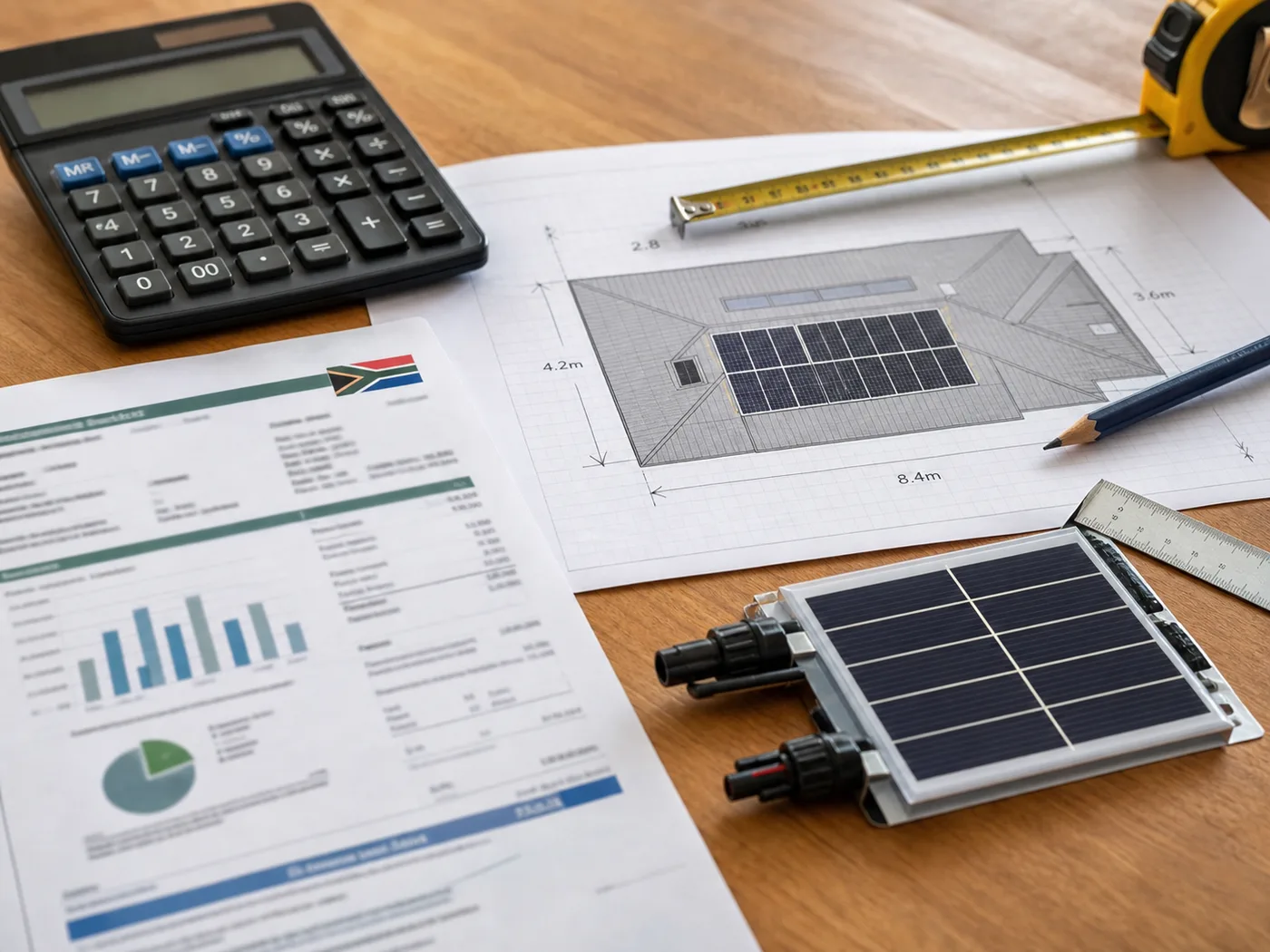
Use the calculator for an indicative starting point, then confirm the system against your roof, phase type, appliance loads and preferred backup level.
There's a particular kind of frustration that only load-shedding delivers. The power drops, and within seconds your fibre goes dark, your electric gate won't open, the alarm chirps onto its dying backup battery, and the CCTV cameras blink off. Suddenly you're standing in your driveway in the dark, manually releasing a gate, cut off from the internet, and (worst of all) with your home security down at exactly the moment opportunists know the power is off.
The good news is that this cluster of problems is the easiest one to solve, because your Wi-Fi, gate, alarm and cameras barely sip power. Keeping them running through load-shedding doesn't need a whole-house solar system, though that's the cleanest fix. Let's walk through what actually goes down when the grid does, and how to keep the connected, secure parts of your home online no matter the stage.
Key takeaways
Wi-Fi, gate motors, alarms and CCTV are all low-draw — together they use a fraction of what a single kettle does.
Load-shedding creates a real security gap: dead cameras, dead alarms and manual gates are a known risk during outages.
A small inverter-battery setup can keep the essentials online for hours; a solar system keeps them online indefinitely.
Because these loads are so light, backing them up is the highest-value, lowest-cost thing you can do.
What actually dies when the power goes
It's worth understanding the chain of little failures, because each has its own fix.
Your internet. Fibre itself doesn't need power at your house, but the two boxes that deliver it — the ONT (the fibre modem on your wall) and your Wi-Fi router — absolutely do. When they lose power, your home network is dead even though the fibre line outside is perfectly fine. This is why a tiny amount of backup on those two devices keeps you fully online.
Your gate. An automated gate motor runs off mains power with a small backup battery. That battery is usually sized for a handful of open-close cycles, not four hours of standby, so during long or frequent outages it runs flat and the gate stops responding. Then you're out in the driveway hunting for the manual release key.
Your alarm and CCTV. Alarm panels have a backup battery too, but it's designed to bridge short dips, not repeated multi-hour outages. As load-shedding stages climb, these batteries get hammered and degrade, and a flat alarm battery means no armed protection. CCTV cameras and their recorders (NVR/DVR) usually have no backup at all and simply switch off — leaving you with no footage during the exact windows when incidents are most likely.
Why this is the easiest problem to fix
Here's the reassuring part: add up everything in that list and it's tiny.
Fibre ONT and Wi-Fi router: roughly 10-20W combined.
Gate motor on standby: a few watts idle, with a brief burst when it opens.
Alarm panel: a few watts.
A handful of CCTV cameras plus recorder: often 30-60W total.
All together, the connected-and-secure core of your home typically draws well under 150W. To put that in perspective, a single kettle draws more than ten times that. Because the load is so light, even a modest battery keeps it all running for many hours. That's why this is the highest-value backup you can buy per rand spent.
150Secure core (Wi-Fi, gate, alarm, CCTV)
2000 | unit=W | caption=Power draw comparedA single kettle
Not sure which system you need?
Get a free, no-obligation quote sized to your home, usage and budget. It only takes a minute.
Your options, from quick fix to permanent solution
Mini-UPS units for the small stuff
The cheapest entry point is a small dedicated UPS (uninterruptible power supply) for your router and ONT. These little units sit between the wall and your network gear and can keep your Wi-Fi alive for several hours. They're inexpensive and worth having — but they only cover the internet, not your gate, alarm or cameras, and you end up with several separate little batteries to manage and replace. Our UPS vs inverter vs portable power station guide compares the three routes.
An inverter-battery system for the whole essentials cluster
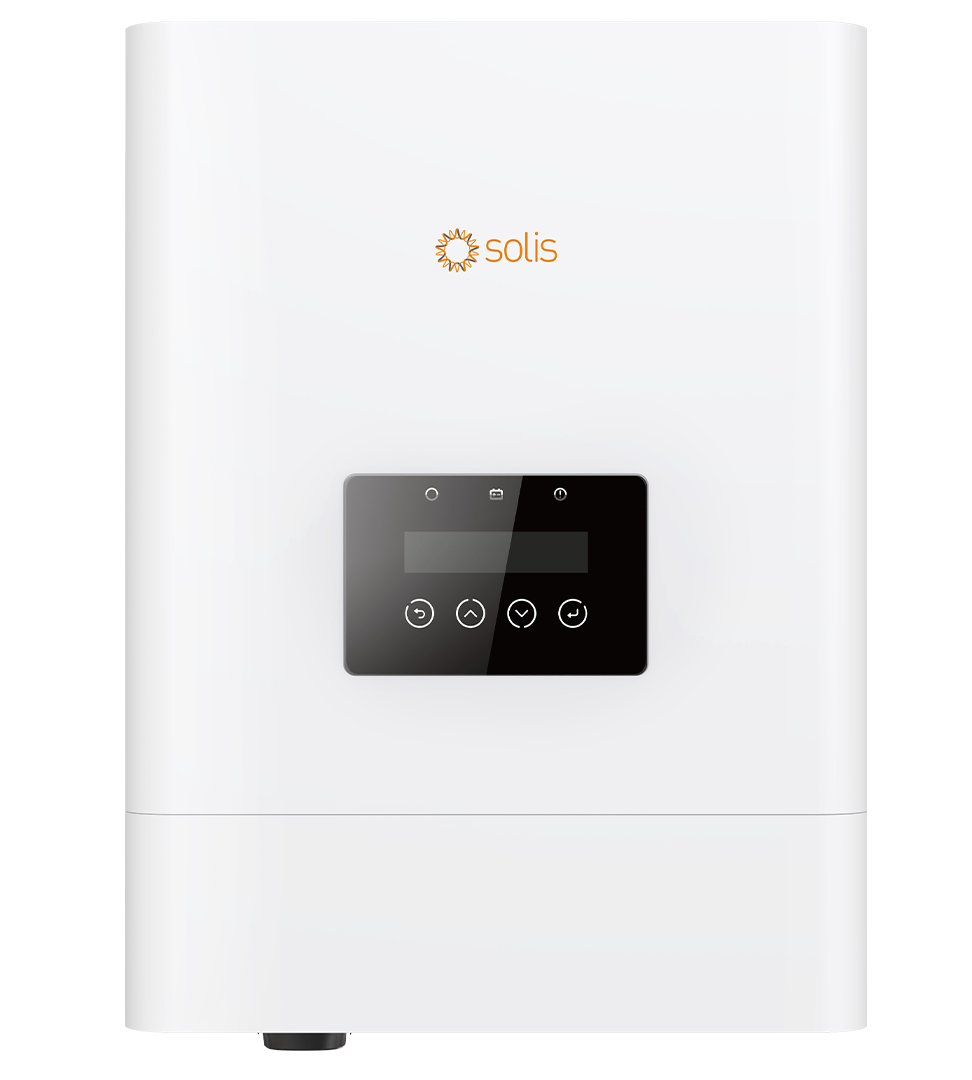
Alumo's current solar-plus-battery rent-to-own range uses a Solis 5kW inverter and Eenovance 5.32kWh battery: Watt-a-Deal has three 615W panels from R1,418/month, The Big Watt has four from R1,487/month, and The Power Bae has six from R1,626/month on a seven-year term. Three- and five-year prices, solar-only configurations and battery-only pricing are available on our current package comparison.
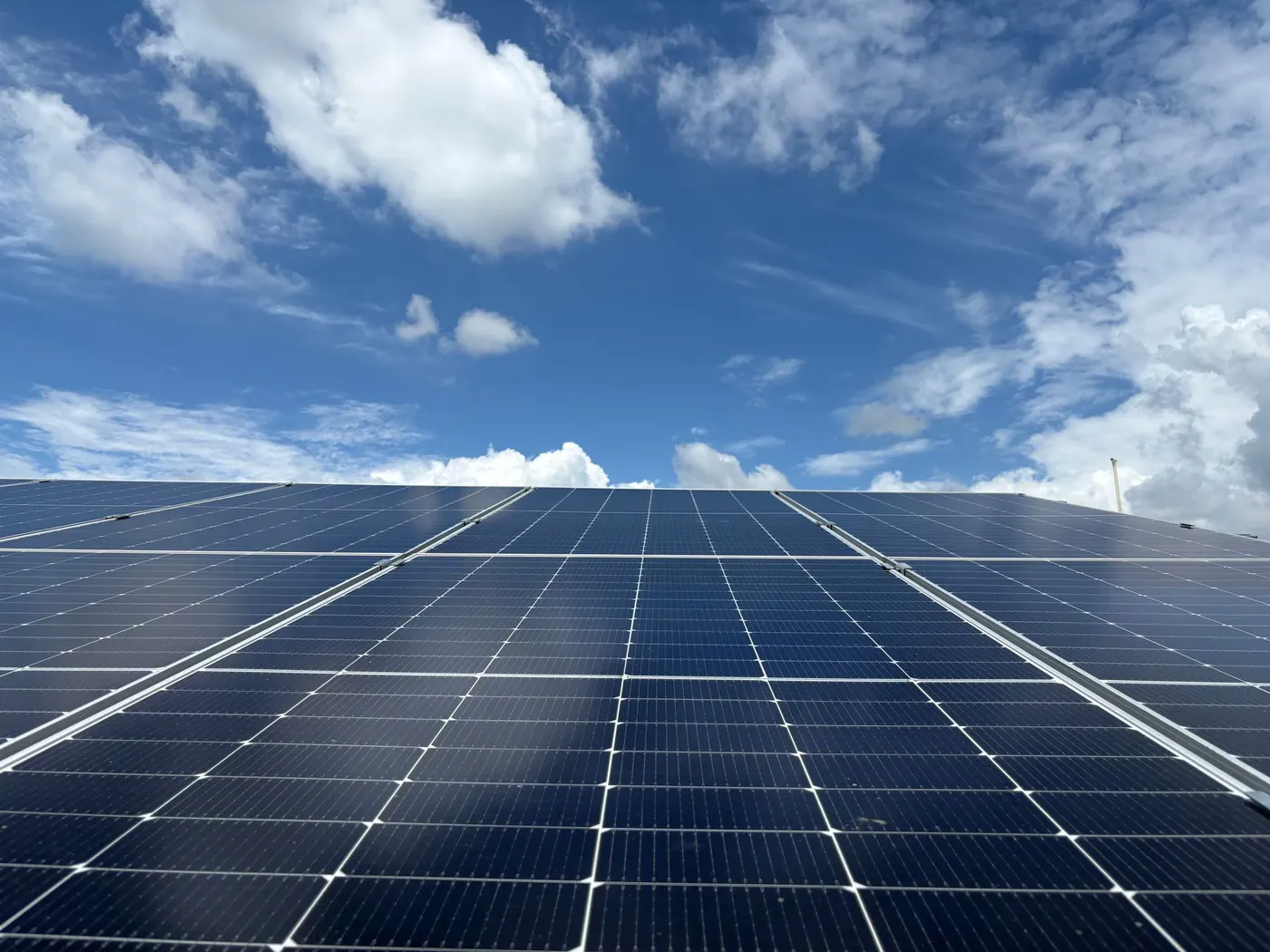
The complete answer is solar-plus-battery. Now your essentials cluster isn't backed up for a few hours, it's powered indefinitely, because the panels refill the battery every day. Your security never has a gap, your Wi-Fi never drops regardless of the stage, and your gate always opens. And because solar also cuts your Eskom bill, the same system that keeps your cameras on is quietly paying for itself.
A note on security specifically
It's worth being blunt about the security angle. Load-shedding schedules are public, and a home with dark cameras, a flat alarm and a stuck gate is more exposed during outages. Backing up your security kit isn't a luxury add-on. For many households it's the single biggest reason to get backup power at all. Keeping the alarm armed, the cameras recording and the gate responsive through every outage removes a genuine, predictable vulnerability.
If security is your main driver, prioritise a system that covers the alarm, CCTV, gate and network as a package rather than a patchwork of little UPS units. It's simpler, more reliable, and there's nothing to forget to switch on.
Getting it sized right
Because these loads are so light, almost any properly installed system will carry them. But the smart move is to have them assessed alongside your other essentials so you buy one system that does everything, rather than stacking up gadgets. A specialist can map your network gear, gate, alarm and cameras into a single backup plan.
Want a rough idea of what a battery would keep alive during an outage? The estimator below gives you a feel before you book an assessment.
Free tool
How long will your battery last?
Pick a battery size and what you want to keep running.
5.0 kWh
Estimated backup time
12.9 hours
Running about 350 W
Rough estimate at ~90% usable depth. Real runtime depends on the exact appliances and battery. A quote sizes it properly.
Get a free quote → and keep your home connected, secure and accessible through every stage of load-shedding.
Frequently asked questions
How do I keep my Wi-Fi on during load-shedding?
Your fibre line stays live during an outage — it's the ONT (fibre modem) and Wi-Fi router at your home that lose power. Put those two devices on a small UPS or, better, an inverter-battery system, and your internet stays up. They draw only 10-20W combined, so even a modest battery runs them for many hours.
Will my electric gate work during load-shedding?
A gate motor has a small backup battery, but it's designed for a few cycles, not hours of standby, so during long or frequent outages it goes flat and the gate stops responding. Backing the gate up on a proper inverter or solar system keeps it working normally through every outage, so you never need the manual release.
Does load-shedding affect my alarm and CCTV?
Yes. Alarm panels have a backup battery meant to bridge short dips, and repeated multi-hour outages wear it down — a flat battery means no armed protection. Most CCTV cameras and recorders have no backup at all and simply switch off. Putting them on a dedicated backup system keeps your home protected and recording throughout.
Do I need a big system just to run my security and internet?
No. These loads are very light — typically under 150W for the whole cluster — so even an entry-level inverter-battery system carries them comfortably, with capacity to spare for lights and a fridge. It's one of the most cost-effective forms of backup you can buy.
Is SolarGuide the installer?
No. SolarGuide is an independent referral partner. Alumo supplies, installs, finances and warrants the systems. We help you compare options and get a free quote. All pricing is indicative and subject to a site assessment and credit approval.
SolarGuide is an independent referral partner. We help you compare options and arrange a free quote — Alumo supplies, installs, finances and warrants the systems. Pricing is indicative, sourced from Alumo’s published catalogue, and subject to a site assessment and credit approval.